




Nexa vs Tabula - Which AI Research Software Platform Is Better in December 2025?

Nexa

Nexa

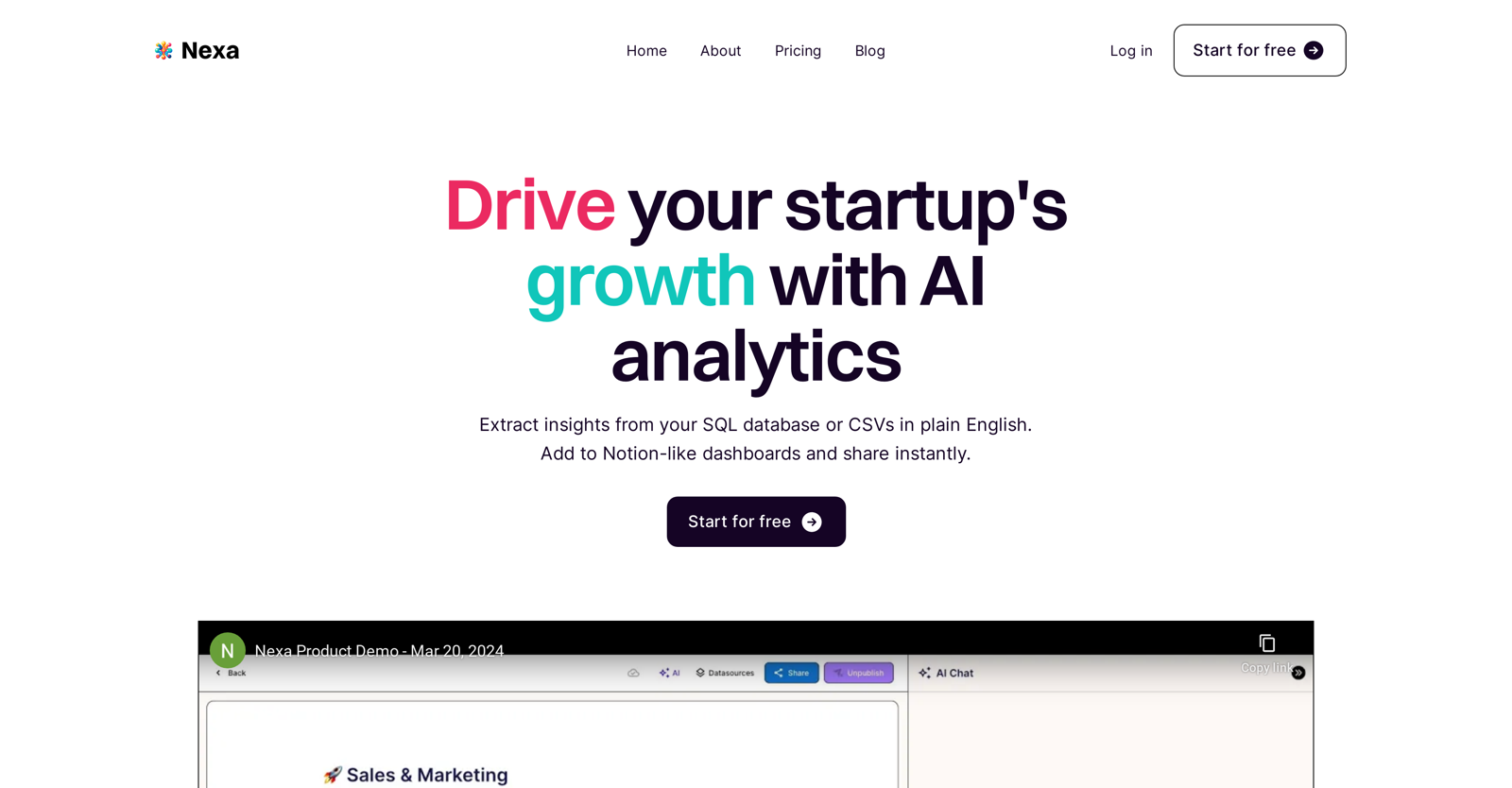
Drive your startup's growth with AI analytics

Tabula

Tabula

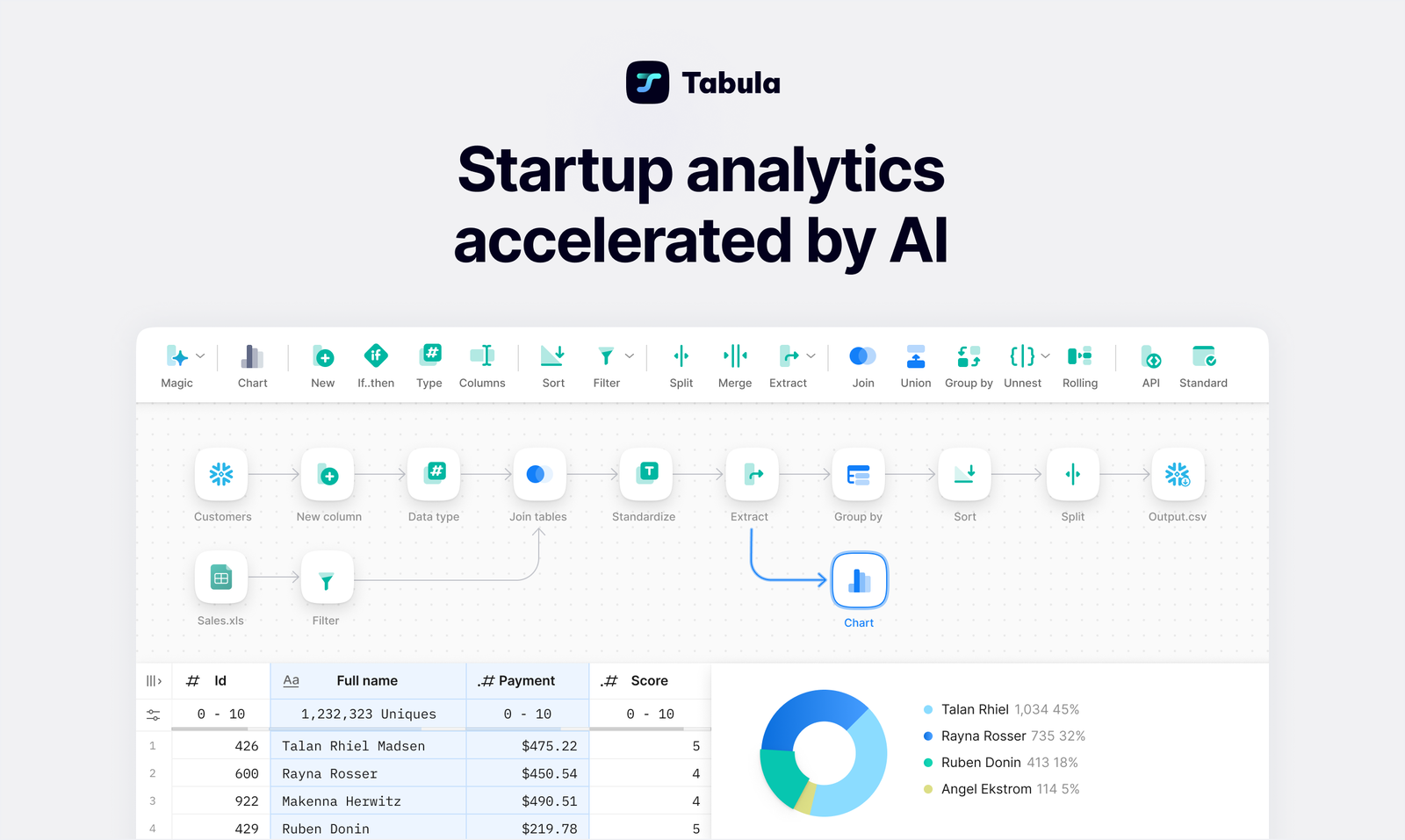
AI-powered data analytics automation tool

TL;DR - Quick Comparison Summary

Description

Nexa is an innovative analytics platform that harnesses the power of AI to support the growth of startups. This user-friendly tool enables startups to interact with their data in a

Read more +

Introducing Tabula, an innovative data analytics automation tool powered by AI. Say goodbye to unstructured data and hello to streamlined insights for data-driven decisions. With a

Read more +

Pricing Options

  • Free Trial available
  • $85, month
  • No free trial
  • $20, month

What Do Nexa and Tabula Cost?

Pricing Option

      Starting From

      • $85, month
      • $20, month

      Nexa User Reviews & Rating Comparison

      User Ratings

      No Reviews

      5/5

      Pros of Nexa

      • Conversational data interface

      • No SQL knowledge needed

      • Notion-like dashboards

      • Data shareability for collaboration

      • Data transparency features

      • SQL and CSV integration

      • Direct tool and app integration

      • Customizable with Developer API

      • Data querying from Slack

      • Quick insights presentation

      Pros of Tabula

      • Supports data transformation

      • Supports data visualization

      • No extensive coding knowledge required

      • Unifies data from different areas

      • Aids holistic business insight generation

      • Analyzes customer journey

      • Identifies new opportunities

      • Offers no-code and SQL interfaces

      • Focuses on business logic

      • Cleans

      Cons of Nexa

      • Limited to SQL and CSV

      • Reliant on Slack integration

      • No live customer support

      • Targeted only for startups

      • Non-intuitive for non-English speakers

      Cons of Tabula

      • Complex for newbies

      • No mobile version

      • Limited data source integration

      • Only SQL interface for coders

      • Ambiguity in data normalization

      • UI not user friendly

      • Limited to 150 data sources

      • Lag in data aggregation

      • Limited database size

      • Customers report submission errors

      Media and Screenshots

      Screenshots

      Nexa
      Tabula

      Add to Compare

      Frequently Asked Questions (FAQs)

      Stuck on something? We're here to help with all the questions and answers in one place.

      Nexa offers Free Trial, but Tabula does not.

      Pricing for Nexa Starts at $85/month whereas for Tabula Starts at $20/month.

      Nexa offers several advantages, including Conversational data interface, No SQL knowledge needed, Notion-like dashboards, Data shareability for collaboration, Data transparency features and many more functionalities.

      The cons of Nexa may include a Limited to SQL and CSV, Reliant on Slack integration, No live customer support, Targeted only for startups.

      Tabula offers several advantages, including Supports data transformation, Supports data visualization, No extensive coding knowledge required, Unifies data from different areas, Aids holistic business insight generation and many more functionalities.

      The cons of Tabula may include a Complex for newbies, No mobile version, Limited data source integration, Only SQL interface for coders. and Customers report submission errors

      Top-rated software of 2024

      Fill out the form and we'll send a list of the top-rated software based on real user reviews directly to your inbox.

      By proceeding, you agree to our Terms of User and Privacy Policy

      Disclaimer: This research has been collated from a variety of authoritative sources. We welcome your feedback at [email protected].

      About us

      revoyant.com is a marketplace for AI solutions, offering curated tools, product info, reviews, and comparisons to help businesses find the best AI solutions quickly.

      Join our newsletter for new product updates