




Flying Dog vs Make AI Art - Which AI Image Generation Software Platform Is Better in December 2025?

Flying Dog

Flying Dog

Image editor plugin with In/Outpainting & modifiers.

Make AI Art

Make AI Art

App to generate realistic and dynamic art.

TL;DR - Quick Comparison Summary

Description

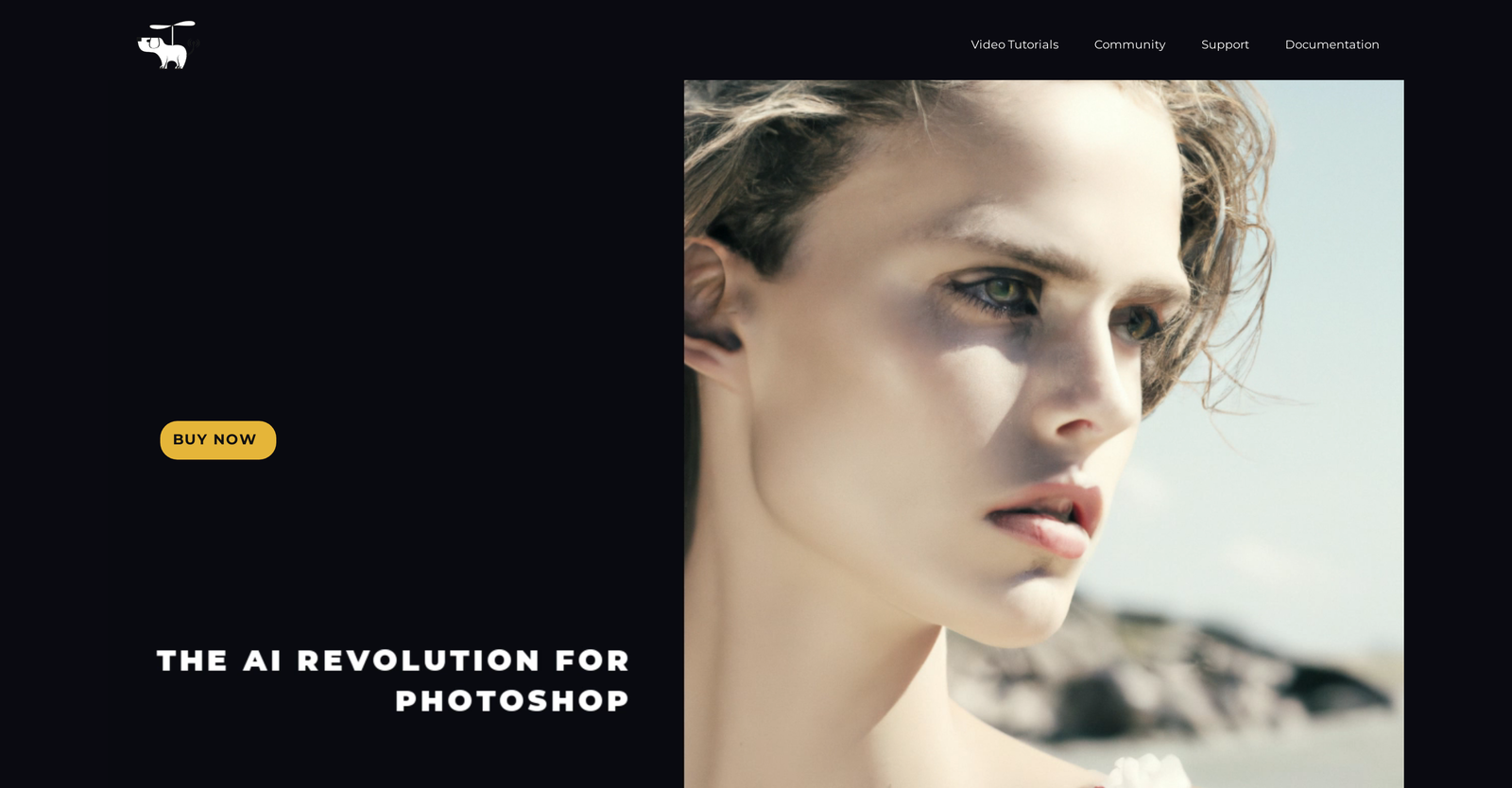
Introducing Flying Dog, a revolutionary image editing plugin with advanced AI capabilities. With powerful connectors for Stable Diffusion and DALL-E 2, designers can simplify their workflow

Read more +

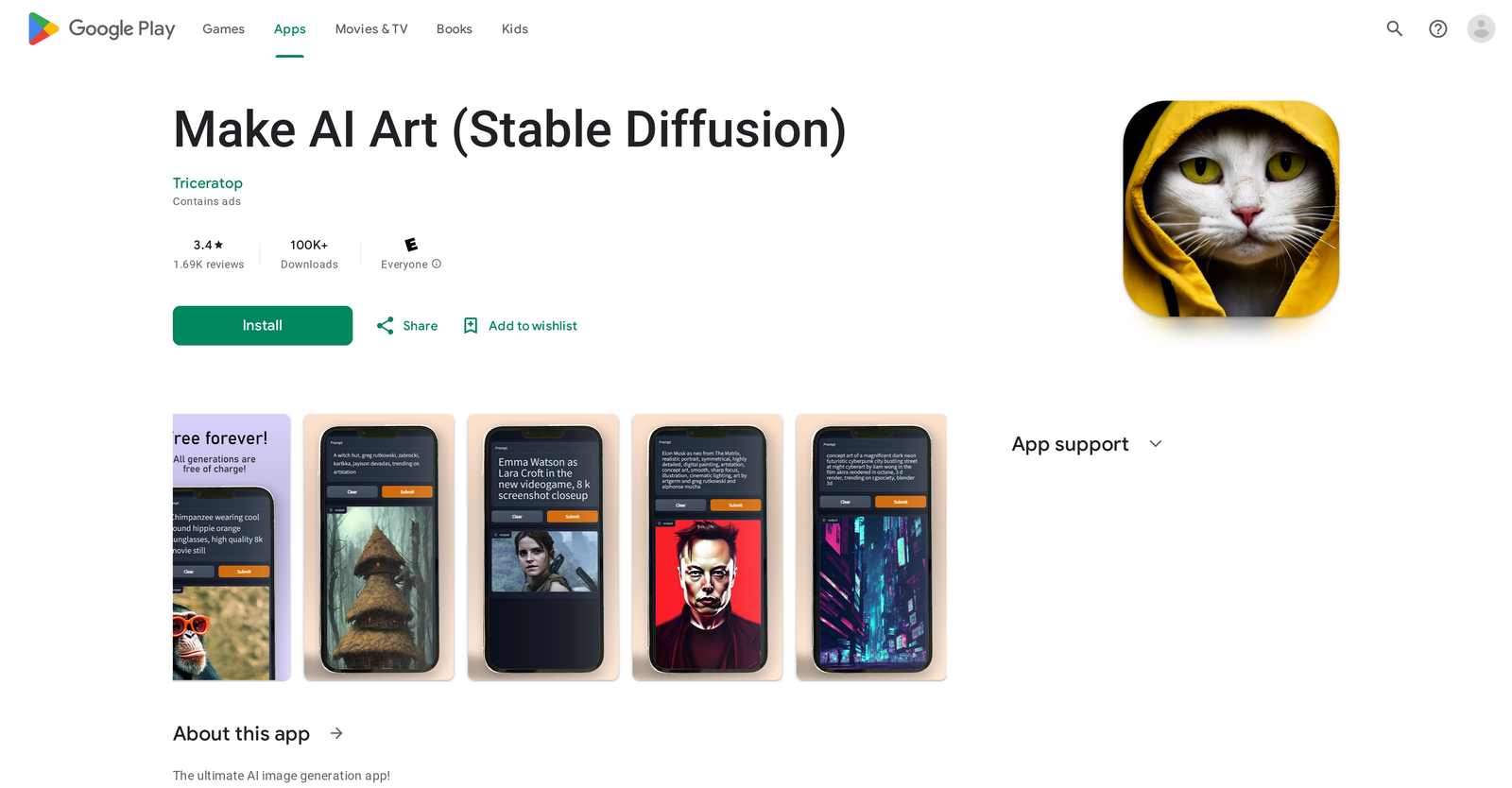
Unlock the power of image generation with Make AI Art. This dynamic app allows users to easily access some of the most advanced AI models, like Stable Diffusion and MidJourney, to create

Read more +

Pricing Options

  • No free trial
  • Not Available
  • No free trial
  • Not Available

What Do Flying Dog and Make AI Art Cost?

Pricing Option

      Starting From

      • Not Available
      • Not Available

      Flying Dog User Reviews & Rating Comparison

      Pros of Flying Dog

      • Own server use option

      • Text-to-Image feature

      • Inpainting feature

      • Outpainting feature

      • Image-to-Image modifiers

      • Modifiers library

      • Works on selection

      • Fine-tuned DreamBooth models

      • Background task execution

      • Multi-server management

      Pros of Make AI Art

      • Simple intuitive interface

      • Generates from text descriptions

      • Realistic image generation

      • In-built tutorials and tips

      • Features DALL·E Mini model

      • Access to lesser-known models

      • Produces high quality images

      • Creates dynamic images

      • Multiple resolutions for downloads

      • Data encryption in transit

      Cons of Flying Dog

      • Requires NVIDIA GPU

      • Recommended 6GB GPU

      • Doesn't support lower Photoshop versions

      • Inferior Outpainting quality on Automatic1111

      • Only Windows/Linux for local installation

      • Not all features available on cloud version

      • No test version available currently

      • Complex Server setup for Automatic1111

      • Refund through Adobe only

      Cons of Make AI Art

      • Limited generator use

      • Image download restrictions

      • No resolution options

      • Lacks keyword guidance

      • Inconsistent results quality

      Media and Screenshots

      Screenshots

      Flying Dog
      Make AI Art

      Add to Compare

      Frequently Asked Questions (FAQs)

      Stuck on something? We're here to help with all the questions and answers in one place.

      Neither Flying Dog nor Make AI Art offers a free trial.

      Pricing details for both Flying Dog and Make AI Art are unavailable at this time. Contact the respective providers for more information.

      Flying Dog offers several advantages, including Own server use option, Text-to-Image feature, Inpainting feature, Outpainting feature, Image-to-Image modifiers and many more functionalities.

      The cons of Flying Dog may include a Requires NVIDIA GPU, Recommended 6GB GPU, Doesn't support lower Photoshop versions, Inferior Outpainting quality on Automatic1111. and Refund through Adobe only

      Make AI Art offers several advantages, including Simple intuitive interface, Generates from text descriptions, Realistic image generation, In-built tutorials and tips, Features DALL·E Mini model and many more functionalities.

      The cons of Make AI Art may include a Limited generator use, Image download restrictions, No resolution options, Lacks keyword guidance.
      Top-rated software of 2024

      Fill out the form and we'll send a list of the top-rated software based on real user reviews directly to your inbox.

      By proceeding, you agree to our Terms of User and Privacy Policy

      Disclaimer: This research has been collated from a variety of authoritative sources. We welcome your feedback at [email protected].

      About us

      revoyant.com is a marketplace for AI solutions, offering curated tools, product info, reviews, and comparisons to help businesses find the best AI solutions quickly.

      Join our newsletter for new product updates